Web Design
7 min read
Arabic-First App Design: Building RTL Properly
Why bolting Arabic onto a finished app breaks it, and what designing right-to-left from the layout system up actually involves on mobile.
By NxFold
Updated 7 Sept 2026

Most apps built in this region are built in English and translated afterwards. It is the default because it is how the team works, the design tools default that way, and Arabic feels like something that can be added at the end.
It cannot, and the reason is not linguistic. Right-to-left is a property of the layout system, not of the text inside it. By the time an app is finished, that property has been assumed away several hundred times, and reversing the assumption means revisiting every screen.
The Short Answer
Translation is a content task. Localisation is an architecture decision. The distinction matters because one can happen at any point and the other cannot.
If a meaningful share of your users read Arabic first, design and build right-to-left from the start. Not because it is more respectful — though it is — but because retrofitting it routinely costs more than the entire original UI build, and the result still feels like a translation.
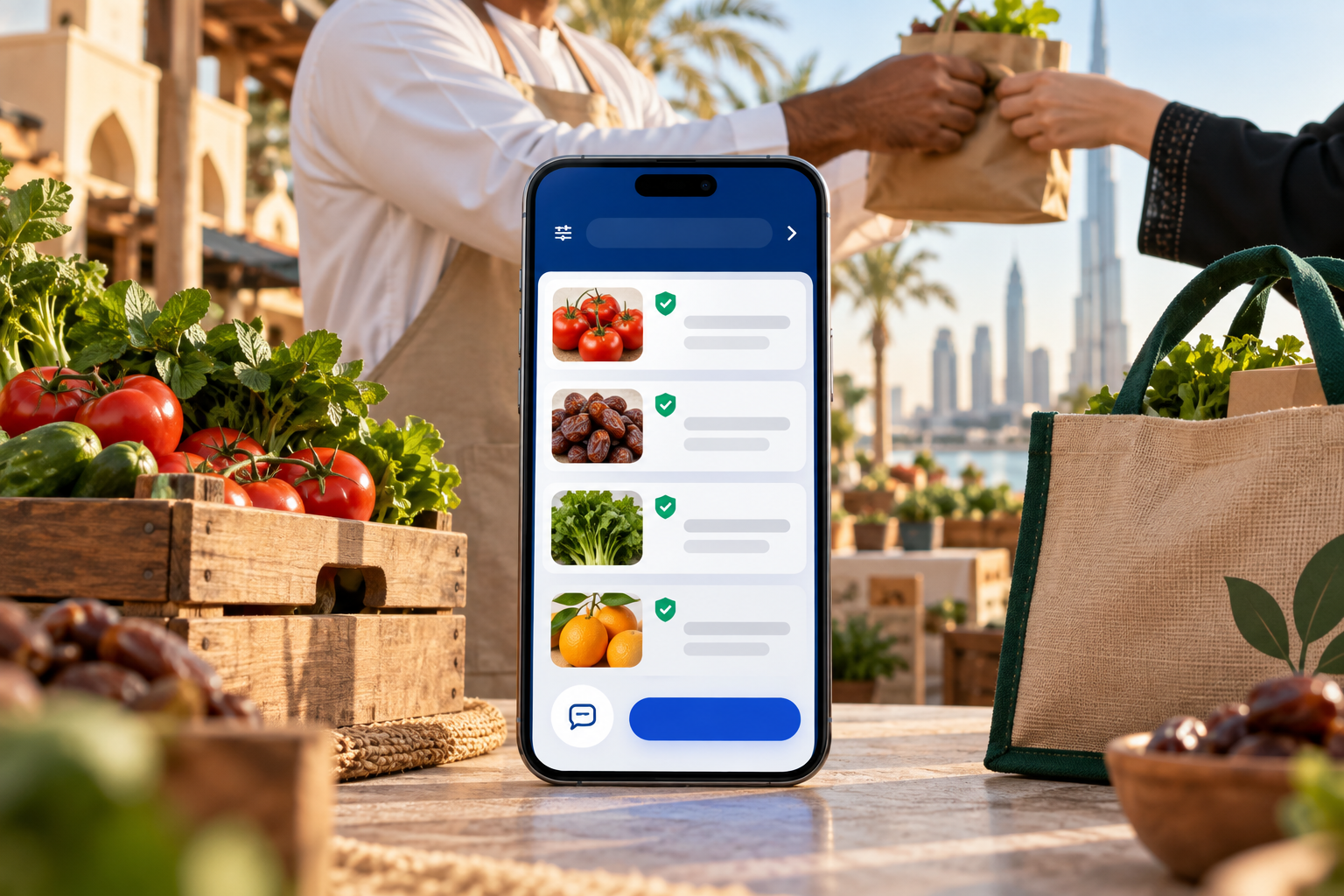
When we built Halaly, an Arabic-first marketplace for farm products and services across the UAE and GCC, it was right-to-left from the architecture up. That is why it reads as a native Arabic product rather than an English one wearing Arabic, and it is the single decision that made the rest possible.
The web version of this argument is in Arabic website design in Dubai. This one is about mobile, where the constraints are different and less forgiving.
What Mirrors and What Must Not
This is where most retrofitted apps give themselves away.
Mirrors: the layout axis, navigation direction, back gestures, drawer position, progress indicators, list item alignment, and directional icons like arrows and chevrons.
Does not mirror: logos, media playback controls (play always points the same way), clock faces, physical-object imagery, and anything representing a real-world object whose orientation is fixed.
Numbers are their own decision. Arabic-speaking users in the UAE overwhelmingly read Western Arabic numerals (1, 2, 3) rather than Eastern Arabic (١، ٢، ٣). Defaulting to Eastern numerals because they look more Arabic is a common mistake that makes an app harder to use. Phone numbers, prices and quantities almost always stay Western.
Mixed-direction text is the hard case. An Arabic sentence containing an English brand name, a URL or a number requires bidirectional handling. Get it wrong and punctuation lands on the wrong side of the sentence — a small error that is instantly visible to a native reader and invisible to a team that does not read Arabic.
Typography Is Not a Font Swap
Arabic has different metrics from Latin, and treating the font as a variable while holding everything else constant produces text that is technically correct and physically uncomfortable.
Arabic needs more line height. The script has ascenders and descenders that collide at Latin line spacing. A comfortable Latin body size is usually too tight for Arabic at the same value.
It generally needs a larger size. Arabic letterforms carry more detail at small sizes; 14px Latin and 14px Arabic are not equally legible.
Weights do not map across. A Latin font's regular and its Arabic counterpart's regular can look noticeably different in density. Pair them by eye rather than by name.
Letter-spacing does not apply. Arabic is connected script; tracking that improves a Latin uppercase label breaks Arabic words apart. Any design system with letter-spacing on labels needs that rule disabled under Arabic.
Practically, this means the type scale is a pair of scales, and the design system needs a language-aware layer rather than a single set of tokens.
Building It Into the System
The engineering principle is simple to state: never hard-code direction.
Use logical properties throughout — start and end rather than left and right, for padding, margins, alignment and positioning. Both React Native and Flutter support this, and a codebase written with logical properties from day one flips almost for free. One written with left and right requires a manual audit of every screen.
The two places it still breaks even when you have done this correctly:
Custom animations and gestures. A swipe-to-delete built assuming left-to-right will be backwards under RTL. Animation directions need the same treatment as layout.
Absolutely positioned elements. Anything placed by coordinate rather than by layout will not flip. Badges, floating buttons and overlays are the usual offenders.
Test both directions continuously. Not in a QA pass at the end — in every review. An RTL bug found the week before launch is a bug found too late, and an app that is only ever demoed in English will ship with RTL problems nobody saw.
Content, Not Just Interface
The interface is the easy half.
Voice and register. Modern Standard Arabic is correct and can read stiff for a consumer app; dialect is warmer and less portable across the GCC. Most consumer products land on simplified MSA that reads naturally. This is an editorial decision, not a translation one, and it should be made by someone who writes Arabic rather than someone who checks it.
Machine translation is visible. Native readers spot it immediately, and in a marketplace or booking app it costs trust at exactly the moment trust is being established.
User-generated content is mixed. Listings, reviews and messages will arrive in both languages regardless of interface setting. Search has to handle both, and the layout has to render an Arabic listing inside an English interface without breaking.
App Store and Play localisation is separate work — localised titles, descriptions, keywords and screenshots. It is frequently forgotten and it is where discovery actually happens.
What It Costs
Building Arabic-first from the start adds roughly 15–25% to design and QA time and very little to engineering, provided logical properties are used from day one.
Retrofitting into a finished app routinely costs more than the original UI build, because it means auditing every screen, rebuilding the type system, fixing animation directions, and re-testing everything. The gap between those two numbers is the entire argument.
For overall app cost ranges, mobile app development in Dubai is the current guide. And if discoverability matters as much as usability, Arabic SEO in the UAE covers the other half.
Frequently Asked Questions
Can we add Arabic later? Technically yes, expensively. Retrofitting means auditing every screen for hard-coded direction, rebuilding the type system, fixing animations, and re-testing. It routinely costs more than the original UI build. If Arabic is on the roadmap at all, build with logical properties now even if you ship English first.
Does RTL double the design work? No — roughly 15–25% more in design and QA if planned from the start. Most screens flip automatically when the layout uses logical properties. The extra effort is in typography, mixed-direction text and the handful of components that need explicit handling.
Should we use Eastern or Western Arabic numerals? Western (1, 2, 3) for UAE and most Gulf audiences. Eastern numerals look more Arabic and are harder for the actual users to read quickly, particularly for prices and phone numbers.
Which Arabic typefaces work on mobile? Choose one designed for screen use with a matching weight range to your Latin face, and pair them by eye rather than by name. Expect to increase line height and size relative to your Latin settings.
Do we need separate App Store listings? You need localised store metadata — title, description, keywords and screenshots in Arabic — within the same listing. It is where a large share of organic discovery happens and it is routinely skipped.
How do we test RTL properly? Continuously, not at the end. Every review should be done in both directions, and at least one person on the team should read Arabic. Bidirectional punctuation errors are invisible to non-readers and obvious to users.
What about mixed Arabic and English content? Plan for it, because users will produce it. Search must handle both scripts, layouts must render an Arabic listing inside an English interface, and bidirectional text handling has to be correct rather than approximately correct.
MSA or dialect? Simplified Modern Standard Arabic for most consumer products — natural enough to feel human, portable across the GCC. Dialect is warmer but limits your market. Have it written by someone who writes Arabic, not translated by someone who checks it.
The Bottom Line
Arabic-first is not a feature or a courtesy. It is a decision about what your layout system assumes, and it is one of the very few decisions in an app build that is genuinely difficult to reverse.
If your users read Arabic first, build for them first. The cost is modest at the start and severe later, and the difference between an Arabic-first app and a translated one is obvious to every user who matters.
If you are scoping a product for an Arabic-speaking audience, get in touch — we have built one that communities use daily. The build side sits under mobile app development.
Have a project in mind?
Ideas to put into practice.
Turn what you have learned into a clearer plan for your website or product. Tell us what you want to build.
Start your project