Web Development
4 min read
Next.js vs WordPress for Business (2026)
Next.js vs WordPress in 2026: an honest comparison of performance, SEO, security, scalability, and cost — and when each is the right choice.

By NxFold
Updated 21 Oct 2026
Next.js and WordPress: decide the architecture, not a winner
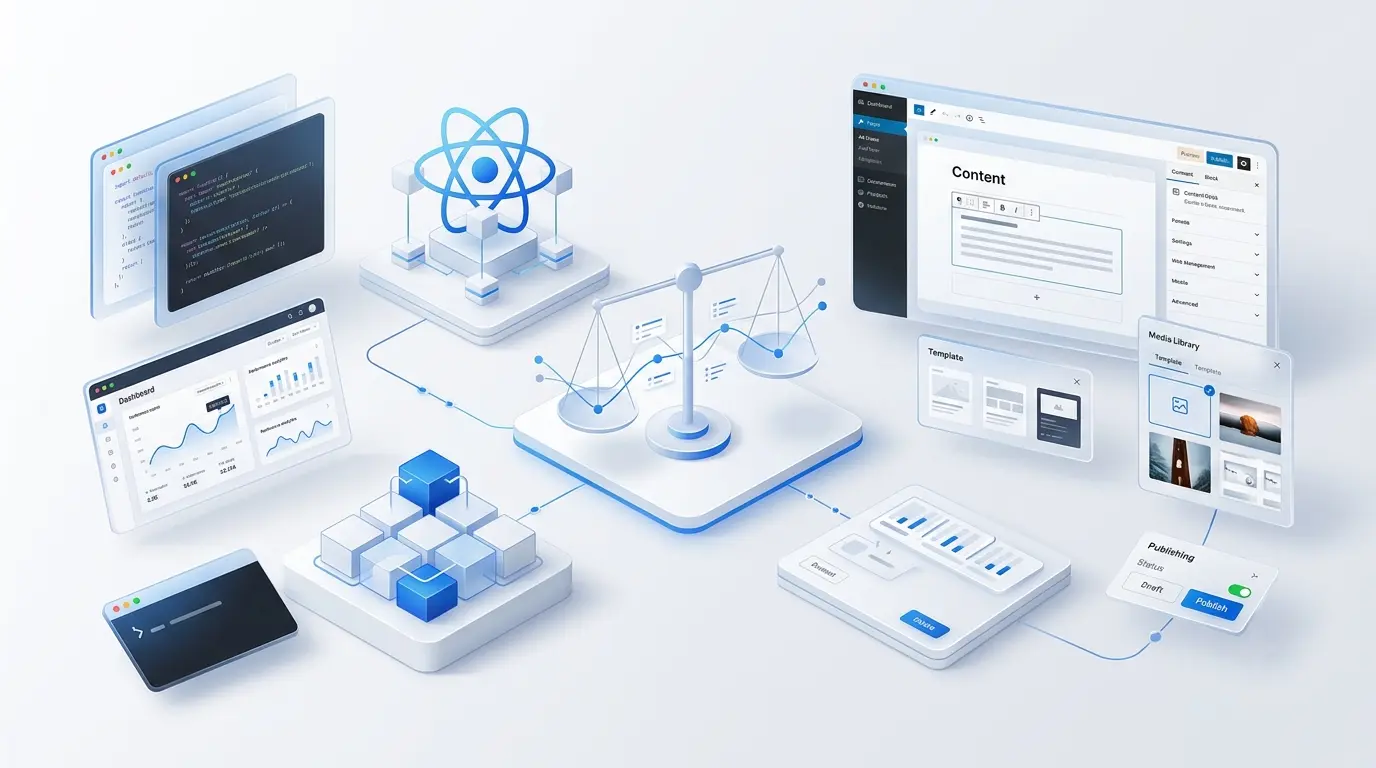
Next.js is a React application framework; WordPress is a content management system. A project can use either independently or combine WordPress editing with a Next.js frontend. That combined approach adds an integration boundary and operating responsibilities as well as flexibility.
Start with publishing and application requirements
List the tasks that matter: editor preview, scheduled publication, search, user accounts, transactions, business rules and language variants. Then identify what the proposed stack supplies, what must be developed and who maintains it. A framework provides capabilities; it does not prove that your project implemented them correctly.
WordPress can suit a content-led operation that values an established editorial interface. Next.js can suit a custom frontend or application that needs control over routes, rendering and integrations. The important evidence is a prototype of your difficult workflow and a maintainable delivery plan.
Rendering and performance
Next.js offers several rendering and caching patterns; their use depends on the page's data and freshness requirements. WordPress can use full-page caching, a CDN and a carefully configured frontend. Neither name determines the resulting LCP, INP or CLS.
Test comparable pages with representative content, images and third-party scripts. Record browser, device, network and repeated runs, and assess field data when available. Do not generalise a laboratory demo into a claim that one framework is always faster. The Next.js production checklist describes work teams still need to do before release.
Search visibility
Both architectures can expose useful HTML, metadata, canonical URLs, language alternates and structured data. Review the generated pages and their indexing controls. Having an API for metadata is different from having correct metadata on every page. A plugin is not automatically an SEO disadvantage, and custom code is not a ranking guarantee.
For bilingual sites, test the equivalent content route, internal links and language switch as a complete journey. See Arabic website design and our technical SEO service.
Security and maintenance
Both solutions have dependencies and require updates, access control, backups, monitoring and incident handling. Next.js applications may expose APIs, authentication and databases; they are not inherently static or free of application-security risks. WordPress security also depends on its hosting, components and administration.
For a headless combination, assign responsibility for both systems, their API credentials, preview configuration, cache invalidation and content availability. A problem between two maintained products still needs an owner. Record supported versions and update expectations instead of promising that there is less to patch forever.
A decision matrix for the real workload
| Requirement | What to demonstrate |
|---|---|
| Frequent publishing | Actual editor preview, approval and rollback |
| Complex application rules | Critical workflow with permissions and failure cases |
| High traffic | Load assumptions, caching strategy and an agreed test |
| Arabic and English | Equivalent pages, direction, inputs and errors |
| External integrations | Authentication, rate limits, retries and reconciliation |
| Handover | Repository, accounts, build steps, licences and documentation |
Cost and scaling
Compare build and operating costs on the same horizon, including the CMS, hosting, licences, monitoring, maintenance and expected changes. Neither option guarantees lower lifetime cost. For both, scaling depends on the application, data access, caching and operational design, not just the brand of framework.
A developer's familiar stack can reduce delivery risk, but only if the team can explain how it meets your requirements. Ask who takes over if that developer leaves. Use the budget guide and the supplier-selection worksheet.
When a combined system is justified
Consider WordPress with Next.js when existing editors need the WordPress workflow and the frontend has requirements that justify a separate application. Document preview, publication-to-cache behaviour, search, forms and authentication. For a simple publication, the extra system can be avoidable complexity; for an application, it may be a useful separation.
Migration and acceptance
Record source content, media, URLs and permissions. Agree redirects and exclusions, rehearse the transfer and test representative records. Search ranking changes must be measured separately from migration success; technical checks cannot promise unchanged rankings. The platform comparison includes migration and exit questions.
Frequently asked questions
Is Next.js always faster? No. Compare the delivered pages and test conditions rather than the framework name.
Does WordPress mean we cannot build custom features? No. It can be extended; assess maintainability and fit against the requirements.
Can editors work without developers? Yes, if the project delivers and tests an appropriate editing workflow. It is not automatic merely because a CMS is present.
Which is safer? Security requires an implementation and operational review. Neither platform removes that responsibility.
Share your publishing tasks and application requirements for a scoped web development discussion.
Have a project in mind?
Ideas to put into practice.
Turn what you have learned into a clearer plan for your website or product. Tell us what you want to build.
Discuss your project requirements